

Use AI to build your shop's tools
Vibe Coding Workshop · a proposal for your team · by APEX Corporate Systems
Pre-class setup
Self-setup handbook
- 1Set up at home with the APEX pre-class handbook.
- 2Three steps: create accounts → install the tools → check. Guides for both Windows and Mac.
- 3Use the same email for every account.
What you'll learn in 3 days
Get to know vibe coding, and build a landing page
- What vibe coding is, and which tools you will use.
- Build a computer-shop landing page with Claude Code.
- Save it to GitHub and go live on Vercel.
Laptop repair and warranty job card
- A repair board: received → inspected → in repair → quality check → ready for pickup → done.
- Serial No. repair history, and automatic warranty expiry.
- WhatsApp pickup notices; data stored in Supabase and published on Vercel.
Pick your own build
- Choose from a menu — for example a repair-status page, drop-off booking, or on-site dispatch.
- Or bring your own idea.
- Finish it in class, with the trainer beside you.
Day 3 menu examples
What you'll walk away with
- 1Two live tools the shop can start trying out right away.
- 2A method you can repeat: write a prompt → check the look → make it work → go live.
- 3When a new idea comes up later, the team can build it themselves.
What to bring
- A laptop, already set up with the handbook.
- A charger.
- A phone, for login verification codes.
- All account passwords, on the same email.
- Shop details: logo, address, opening hours, and photos.
- One idea: the thing the shop most wants to improve.
Past work
Live examples we can open together
- 1These are live sites. We can open them together during the briefing.
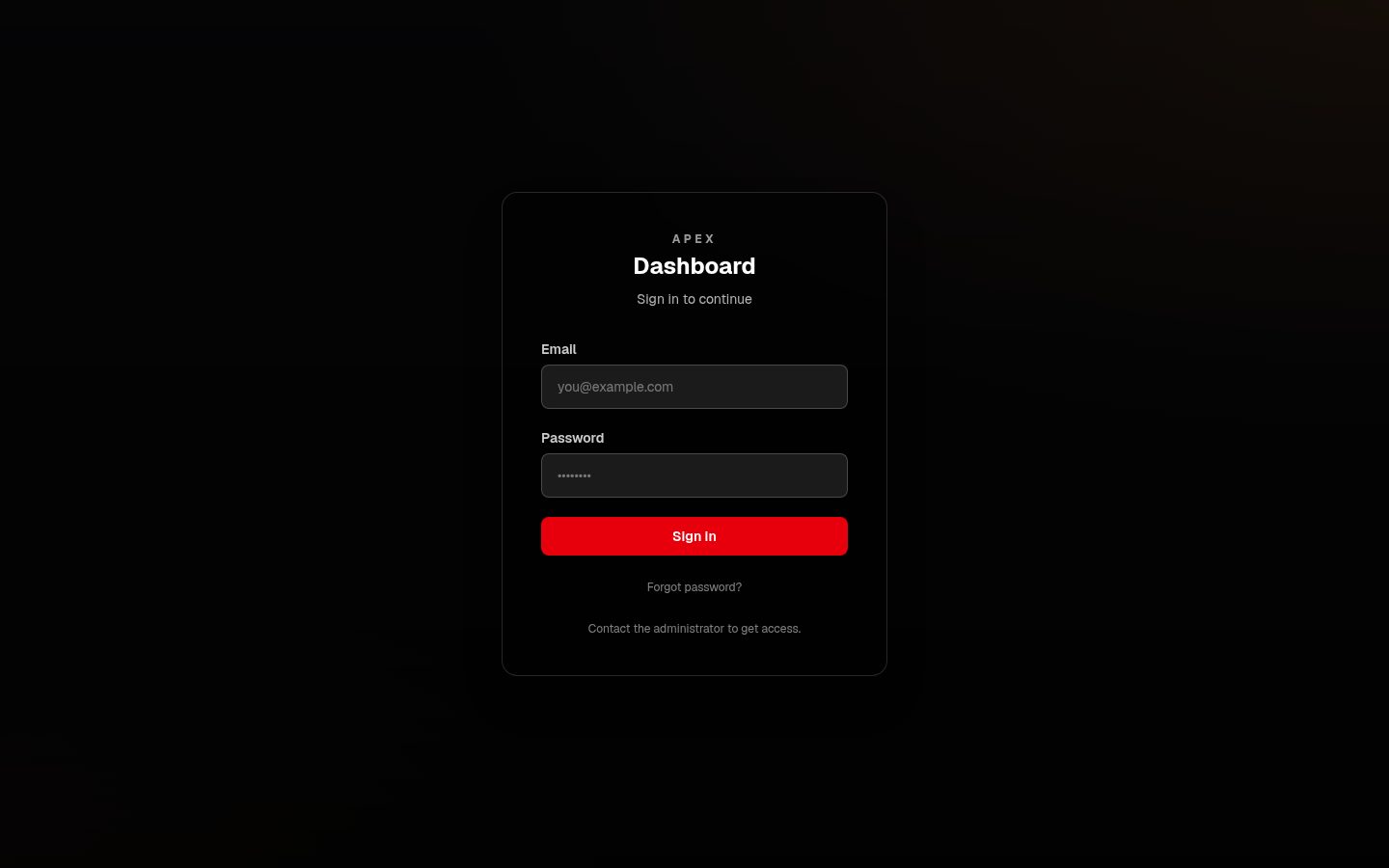 Login required
Contractor dashboard
A contractor operations dashboard with an overview, quotations / invoices, and payments. Login is required to view the app itself.
contractor-ten-ochre.vercel.app/login ↗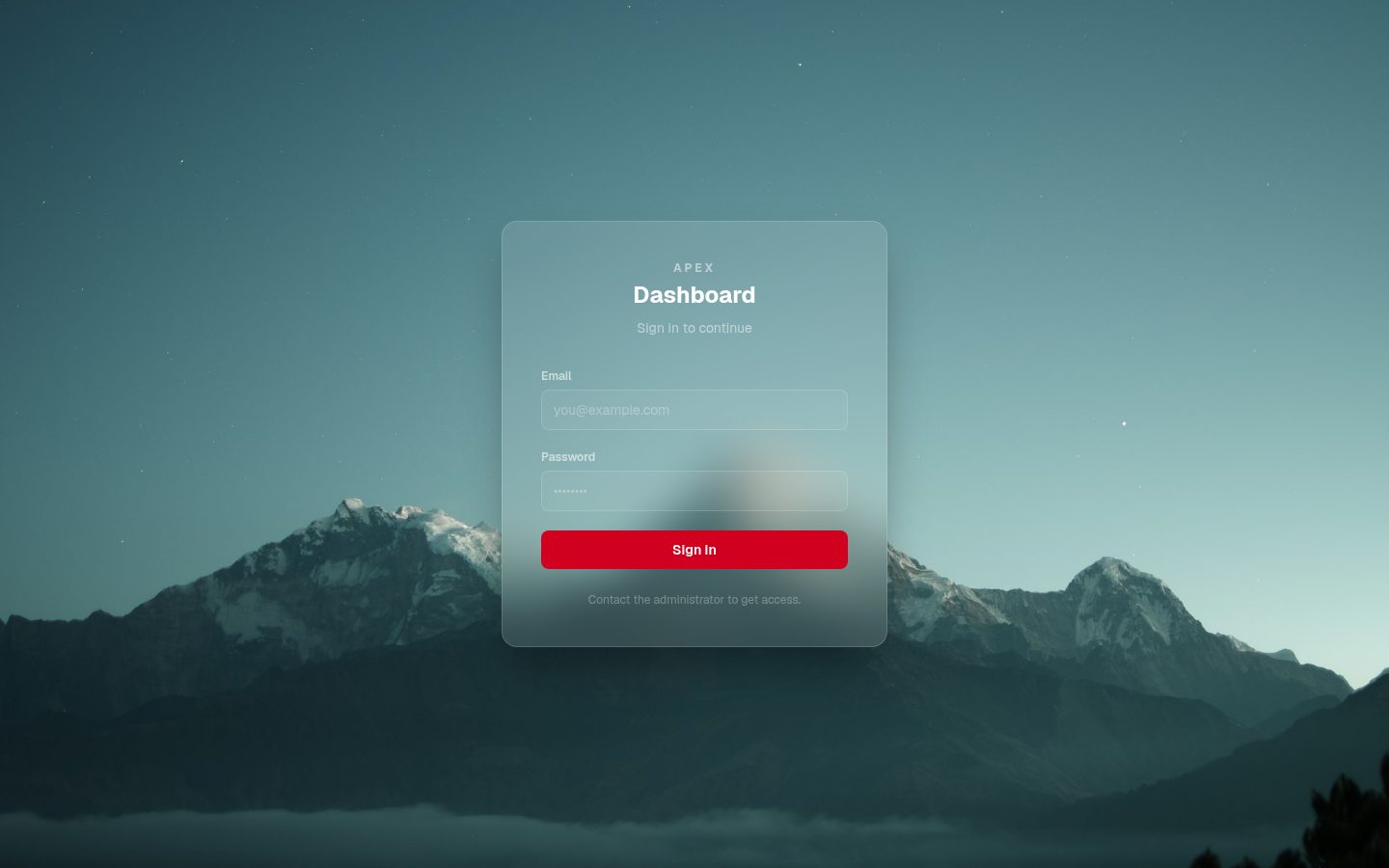 Login required
APEX dashboard
The APEX business dashboard: customers, quotations, invoices, payments, expenses, statements, and reports. Login is required to view the app itself.
apex-dashboard-smoky.vercel.app/login ↗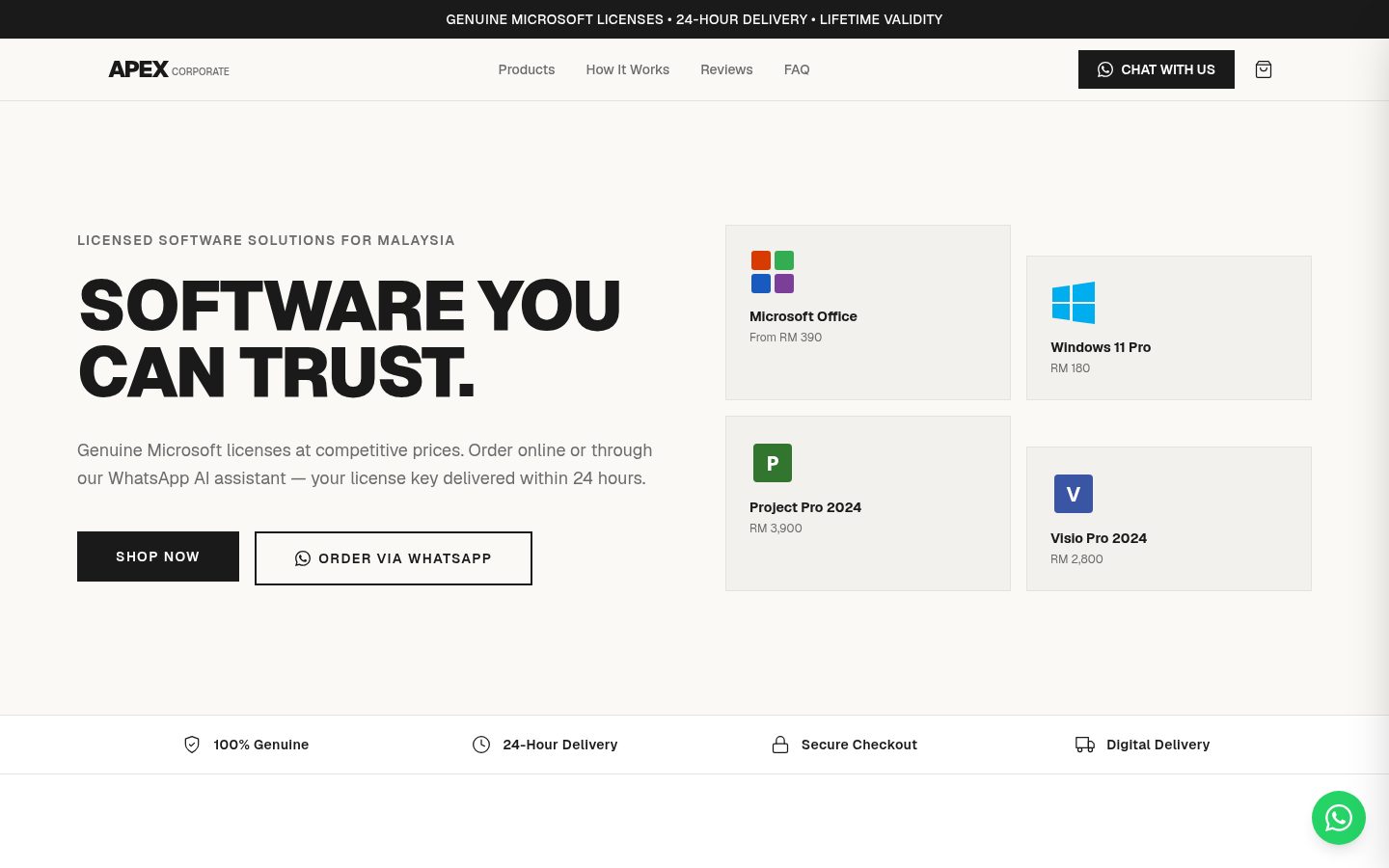
APEX company website
The official website of APEX Corporate Systems, with genuine Microsoft licences and WhatsApp ordering.
apexcorp.com.my ↗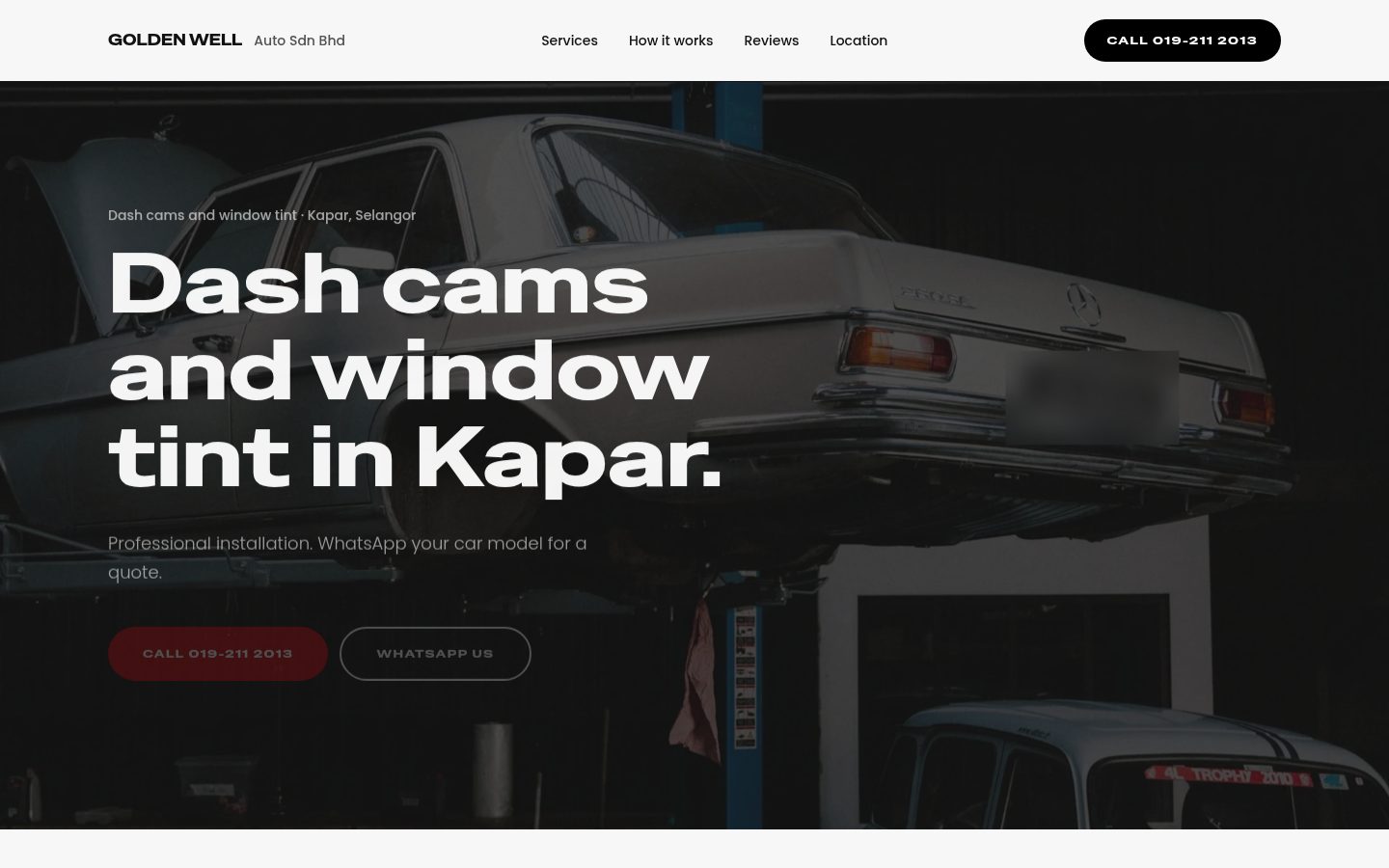
Golden Well Auto
A live marketing site for Golden Well Auto: dash cams and window tint in Kapar, Selangor, with sample prices, WhatsApp quotes, and shop details.
golden-well.vercel.app ↗Contact us
Let's talk after the briefing
Business Development Director
Kelvin Tay
APEX Corporate Systems
Happy to continue after the briefing on dates and class size.